When writing copy for the web or for an exam, it's important that it doesn't come up as plagiarized. There are thankfully many tools available online that can check your content for plagiarism, and Plagiarism Checker X is one of them.
Multiple ways to scan texts and URLs
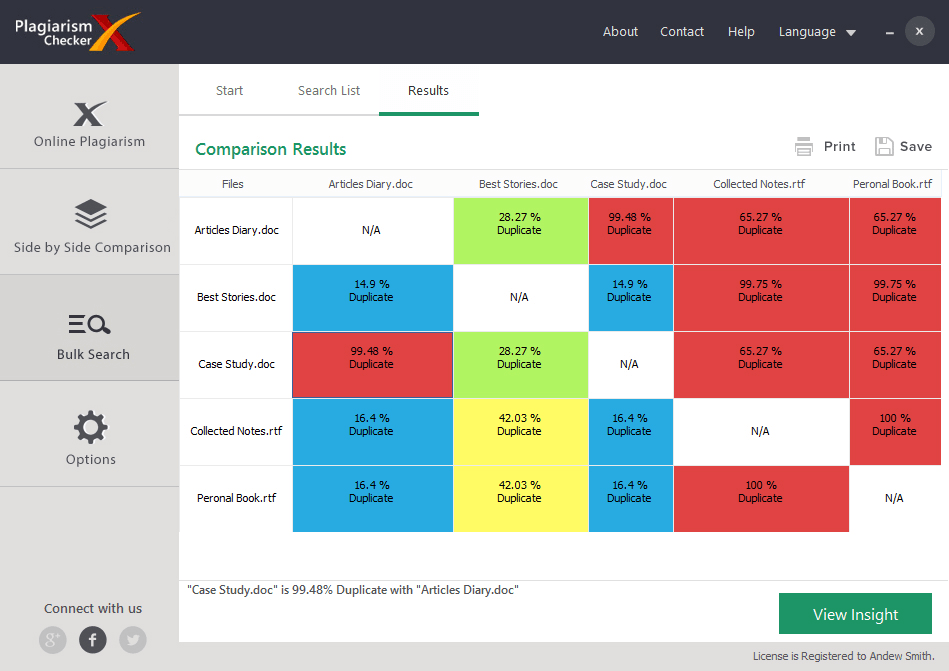
It gives you a number of options to check the content for plagiarism. You can paste an entire article into the 'Large Content' section, or you can paste a single paragraph, to check for similar content online. Alternatively, you can paste a URL to compare content on a website to content elsewhere on the web. Besides comparing content with content found on the web, you also have the option to compare two texts, or even two or more documents against each other.Detailed reporting and source tracking
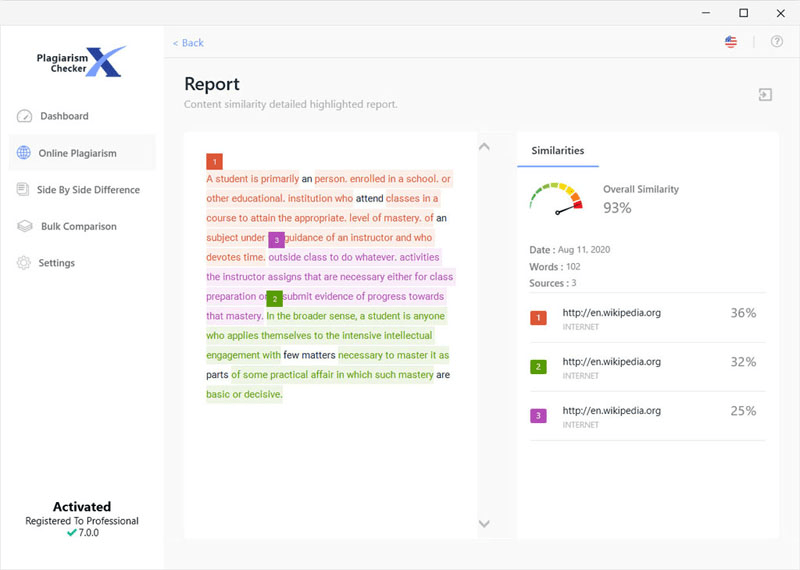
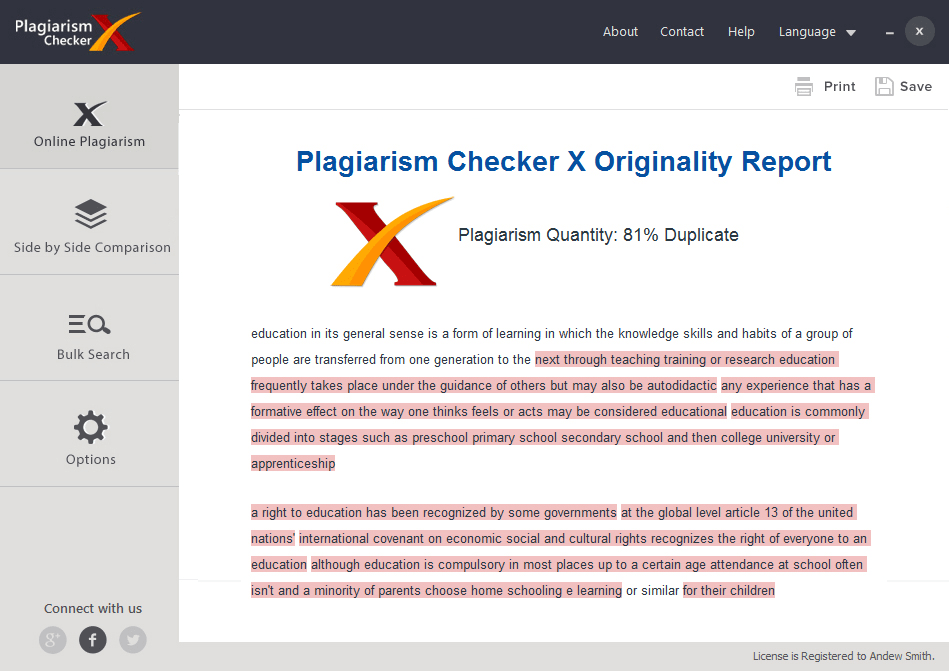
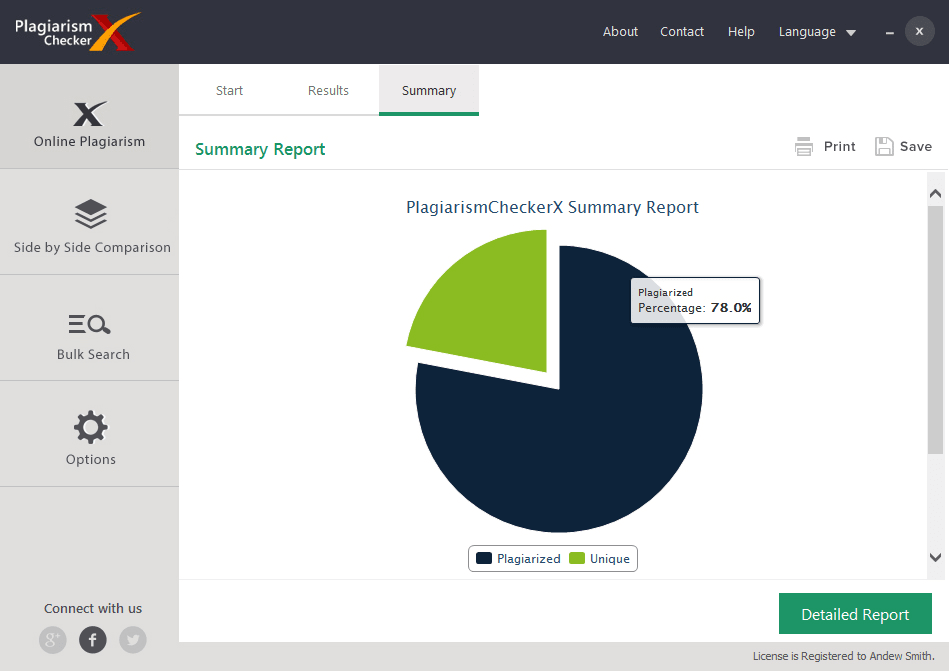
If plagiarized content has been detected, a full report is generated, where you can analyze the sources of plagiarism in more detail. A quick report also showcases how many sources the plagiarized content is coming from. A small remark is added after each part of analyzed content that suggests how much content you may need to change to make it unique.Strict detection with occasional false positives
Plagiarism Checker X does pick up content when things have been copied from elsewhere, but it's quick to jump the gun on content that is completely unique. For example, in our test, we wrote an entirely unique piece of copy and it still suggested that we needed optional improvements to make it unique. For the most part, though, if any content has been plagiarized, this tool will catch it, even if it sometimes throws out a few false red flags.